
 United Arab Emirates
 India
India Australia






Description
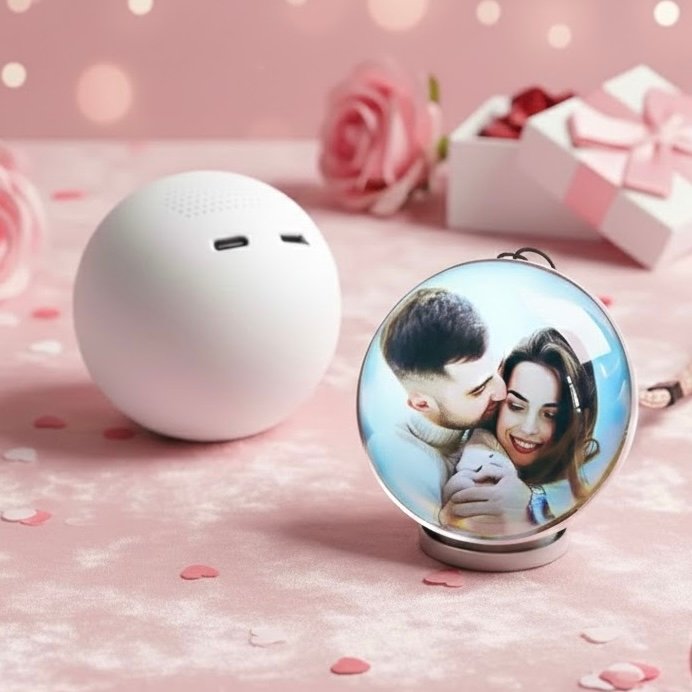
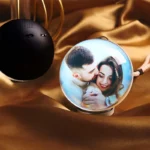
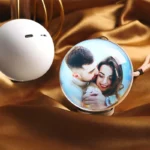
Glass Video Globe | Playable Video Gift Sphere
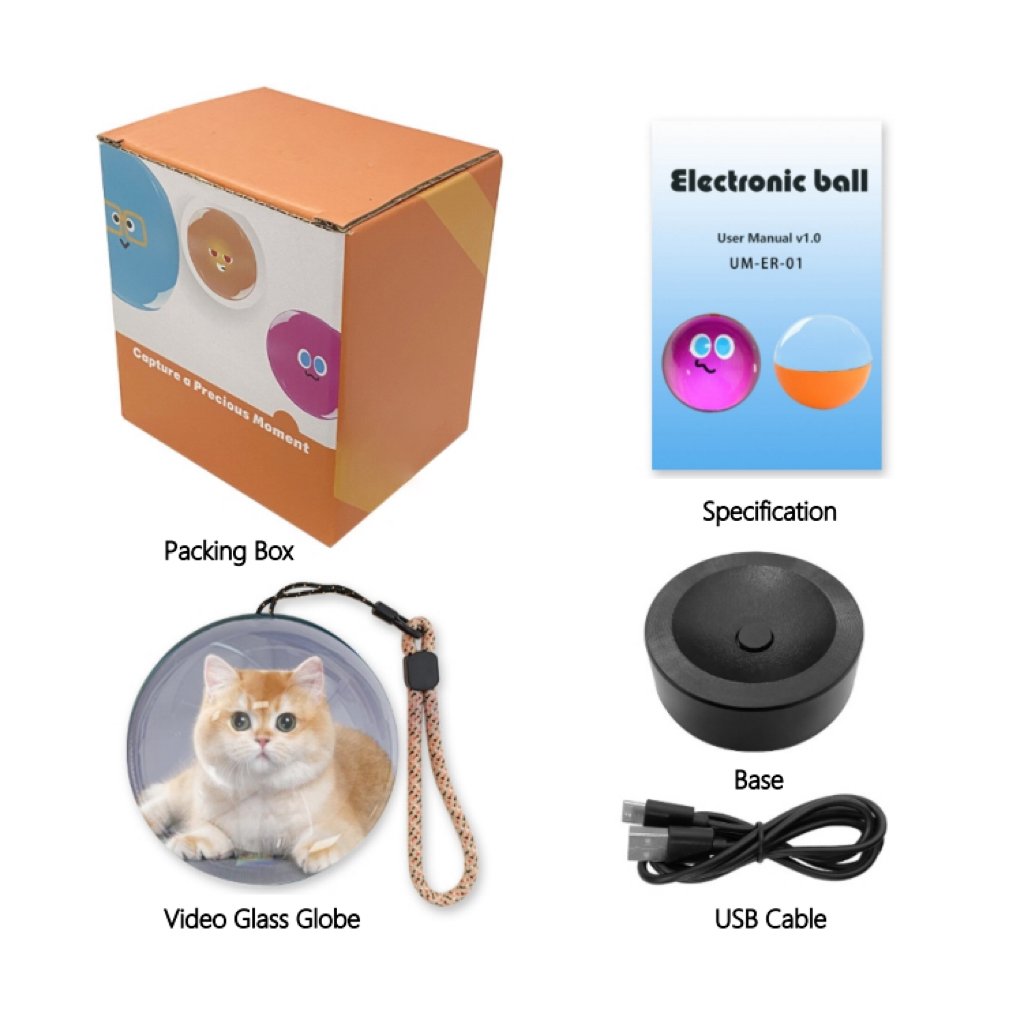
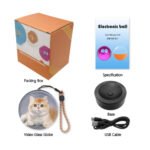
📦 Package Includes
-
🔮 Video Glass Globe ×1
-
🧱 Base ×1
-
🔌 USB Cable ×1
-
🎁 Packing Box ×1
-
📄 Specification / User Guide ×1
💖 Product Overview
-
Celebrate special moments in a modern and meaningful way
-
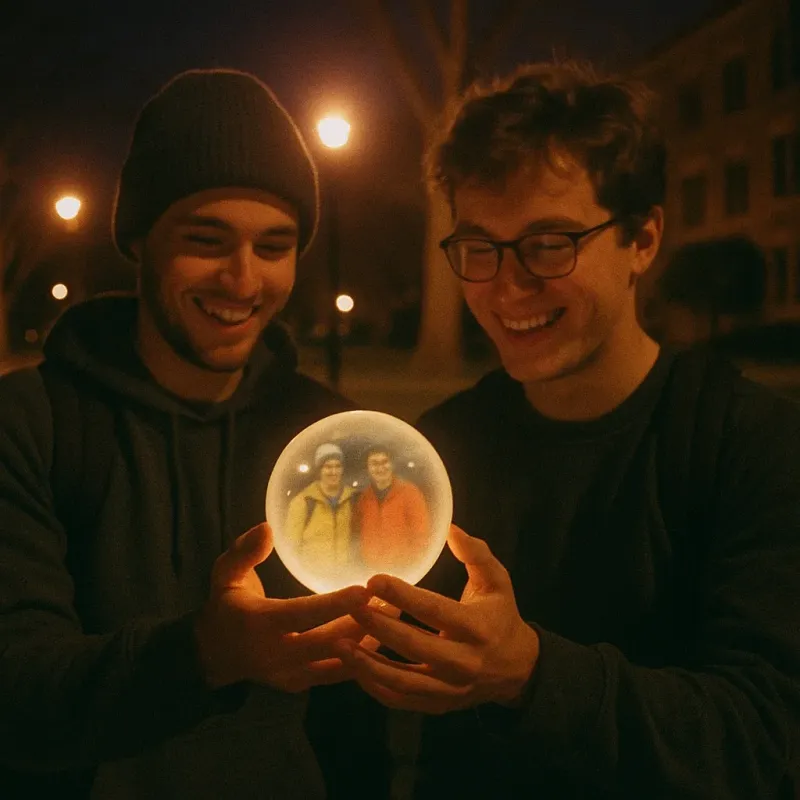
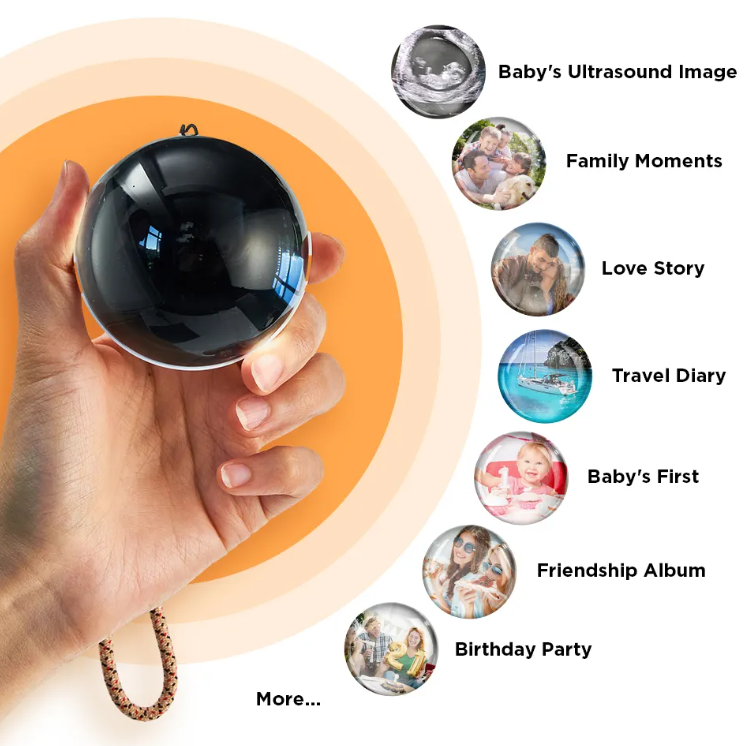
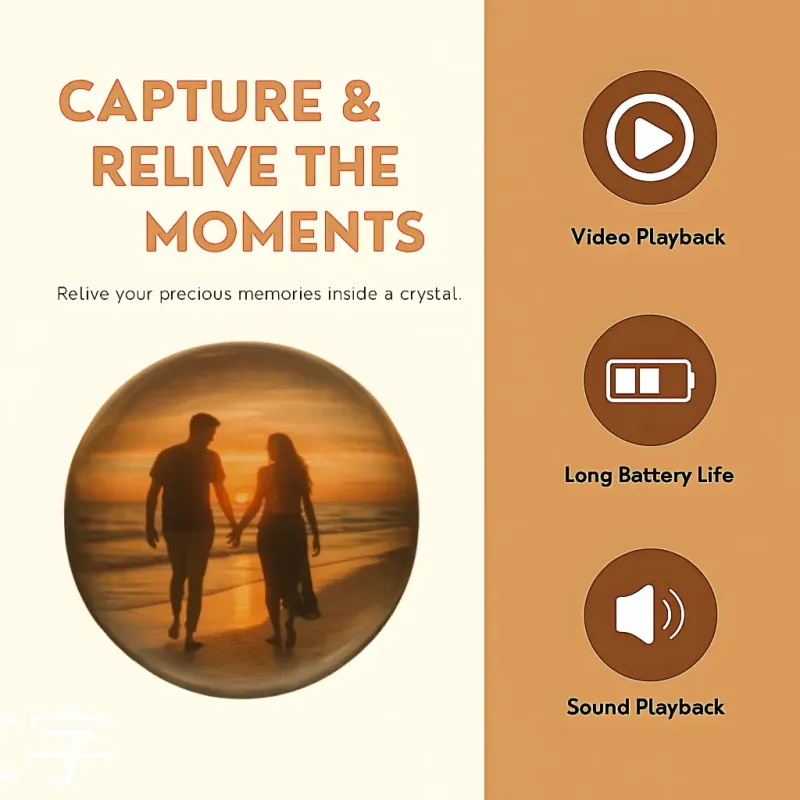
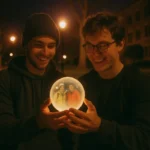
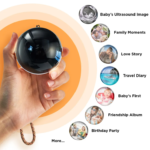
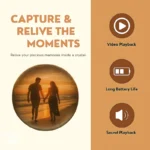
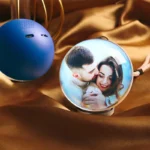
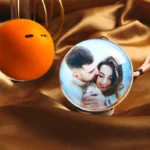
Upload your own video and play it directly inside the glass globe
-
Turns memories into a personal time capsule of love and joy
-
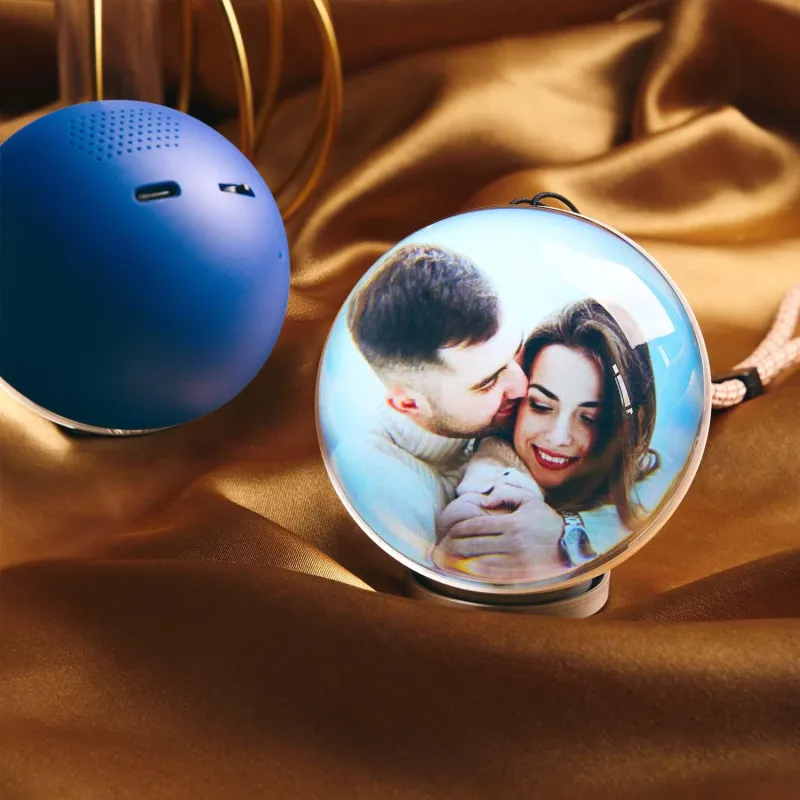
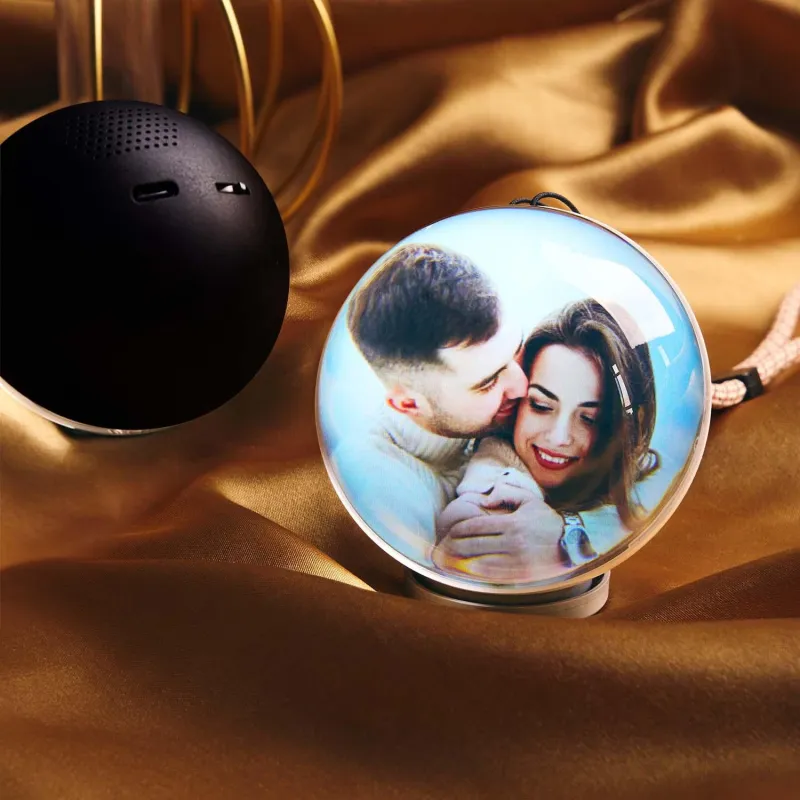
Available in five elegant colors
-
Perfect for Valentine’s Day, birthdays, Christmas, and special occasions
-
Simple to use with a beautiful, modern design
-
A keepsake to cherish for years
💻 Product Compatibility
-
Supports video transfer via Windows systems only
-
❌ Not compatible with macOS
🔋 Technical Specifications
-
Battery: 800mAh
-
Playback Time: 2–4 hours
-
Memory: 4GB
-
Material: ABS Plastic + Glass
-
Size: 7 × 7 × 7 cm
✨ Product Features
-
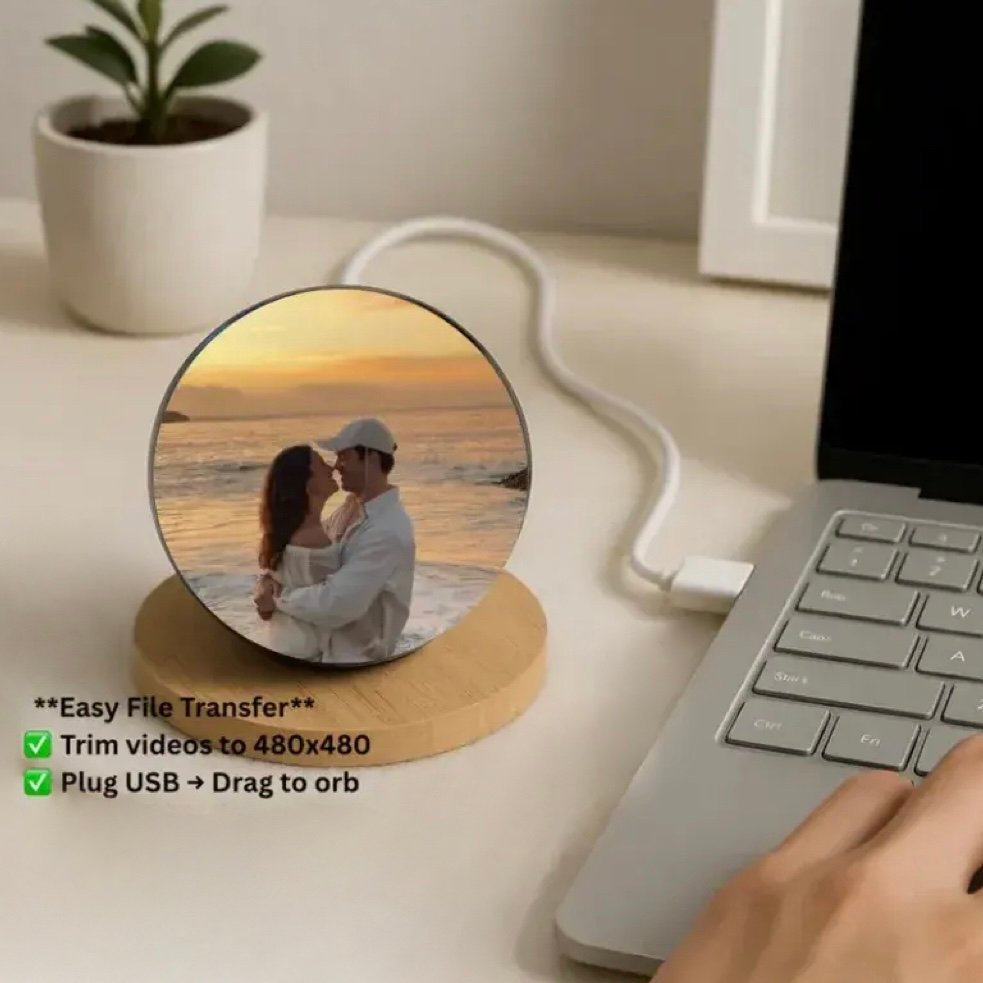
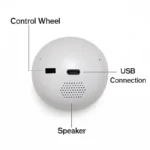
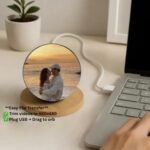
Connect to a computer using the USB cable to transfer videos or images
-
No complex setup required
-
Supports MP4 videos, music files, and JPG images
-
Easily switch between videos and music
-
Volume control dial for easy adjustment
🎛️ Dial Button Controls
-
⏻ Center Button: Press and hold for 3 seconds to power ON/OFF
-
⬅️ Left Toggle: Short press for previous track, long press to lower volume
-
➡️ Right Toggle: Short press for next track, long press to increase volume
▶️ Smart Playback Logic
-
Plays videos first from the Video folder
-
If no videos are found, images from the Picture folder play in a loop
🔄 File Replacement Guide
-
Connect the globe to a computer using the USB cable
-
Power on by holding the center button
-
The device will appear as a USB drive for easy file transfer
⚠️ Precautions
-
Fully charge before first use
-
Avoid high heat or humid environments
-
Clean gently with a soft cloth
-
Do not use corrosive cleaners or solvents


